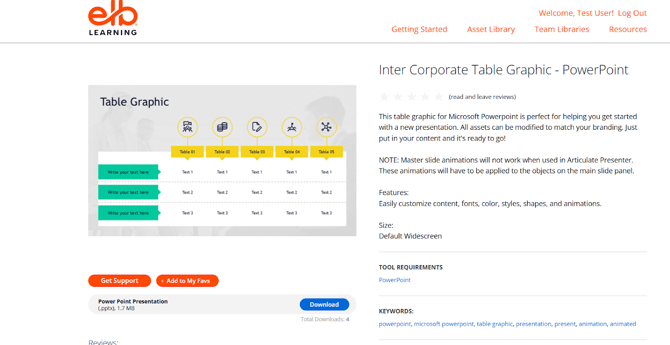
Overview:
The PowerPoint Template Library within the Asset Library provides professionally designed PowerPoint templates and slide layouts that can be used to create engaging presentations and training materials. These templates help maintain visual consistency and reduce development time.
This section explains how to access, search, filter, and use PowerPoint templates effectively.
What This Covers
This updated guide provides a structured experience for exploring and using PowerPoint templates, along with enhanced browsing and usage guidance, covering key topics such as:
Accessing the PowerPoint Template Library
To access the PowerPoint Template Library:
- Open the Asset Library.
- Navigate to the PowerPoint Template Library from the main menu.
You will be directed to a page displaying available PowerPoint templates and slide designs.
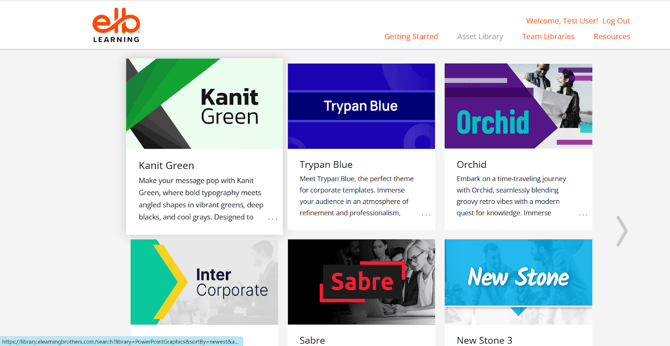
Searching for PowerPoint Templates
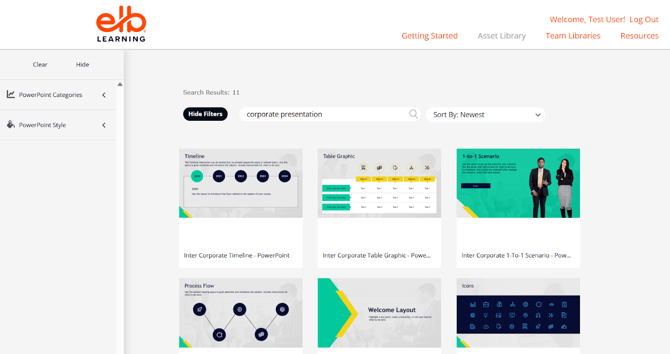
You can search for templates using the Search Bar.
Steps:
- Enter relevant keywords such as:
- corporate presentation
- training slides
- onboarding presentation
- infographic slides
- Browse the available templates.
- Select a template to preview its slides and design.
Using descriptive keywords helps you quickly find suitable templates.
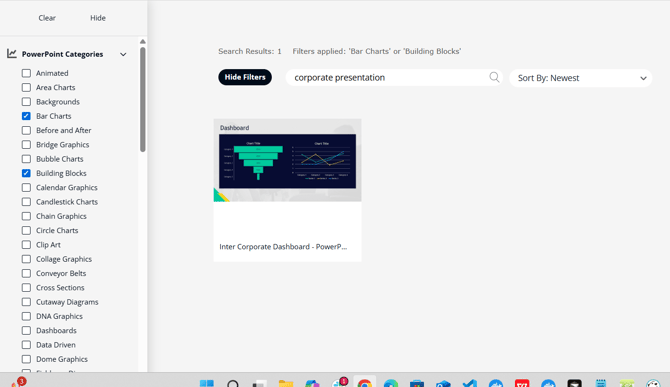
Using Filters for Template Search
Filters help refine results and locate the most appropriate templates.
Common Filters:
- Category: Business, Education, Training, Healthcare, etc.
- Style/Theme: Modern, Corporate, Minimal, Creative
- Slide Type: Title slide, Content slide, Infographic, Charts
- Color/Design Style
Best Practice:
Combine filters (e.g., Business + Corporate Style) to find templates that match your project requirements.
Previewing PowerPoint Templates
Before downloading, you can preview templates to evaluate their design and structure.
Steps:
- Click on a template.
- Review the available slide layouts.
- Check:
- Design consistency
- Color scheme
- Layout structure
Previewing ensures the template aligns with your presentation needs.
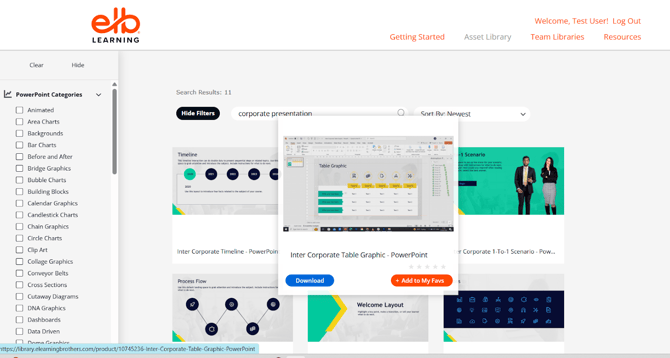
Downloading PowerPoint Templates
To download a template:
- Open the template preview page.
- Click the Download button.
- Save the file to your computer.
- Open the file in Microsoft PowerPoint or a compatible application.