Overview
The Stock Audio Library within the Asset Library provides a wide range of high-quality audio assets, including background music, sound effects, and audio loops. These assets can be used to enhance eLearning courses, presentations, and multimedia projects.
This section explains how to access, search, filter, and use stock audio assets effectively.
What This Covers
This section provides a structured overview of how to explore and use stock audio assets effectively within your projects, covering key topics such as:
Accessing the Stock Audio Library
To access the Stock Audio Library:
- Open the Asset Library.
- Navigate to the Stock Asset Library.
- Select the Audio category or apply the Audio filter.
You will be directed to a page displaying available audio assets.
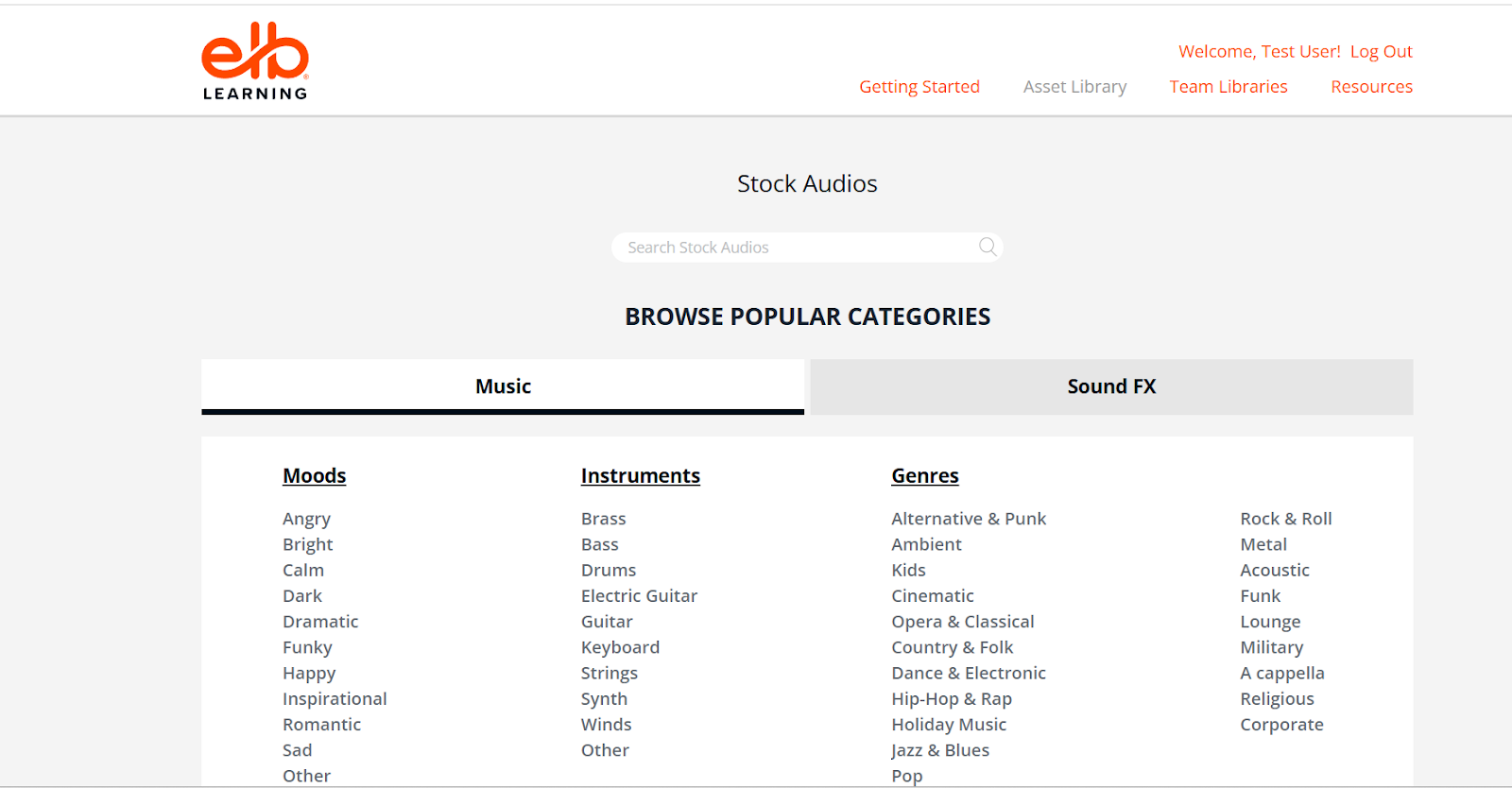
Searching for Stock Audio
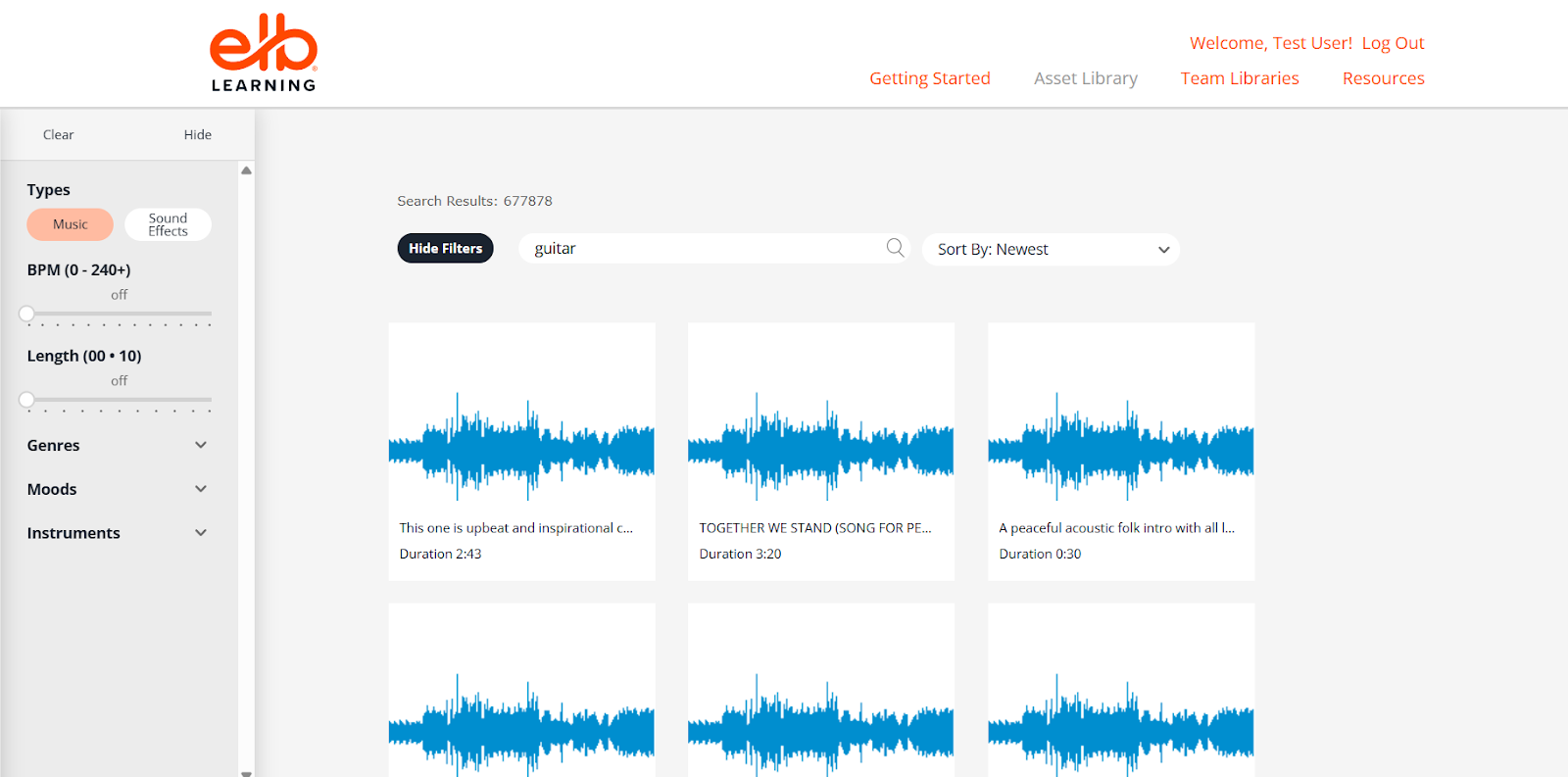
You can search for audio files using the Search Bar.
Steps:
- Enter relevant keywords such as:
- background music
- click sound
- notification
- ambient sound
- corporate music
- Browse the results displayed.
- Use filters to refine your search if needed.
Using clear and specific keywords helps you find the most suitable audio quickly.
Using Filters for Audio Search
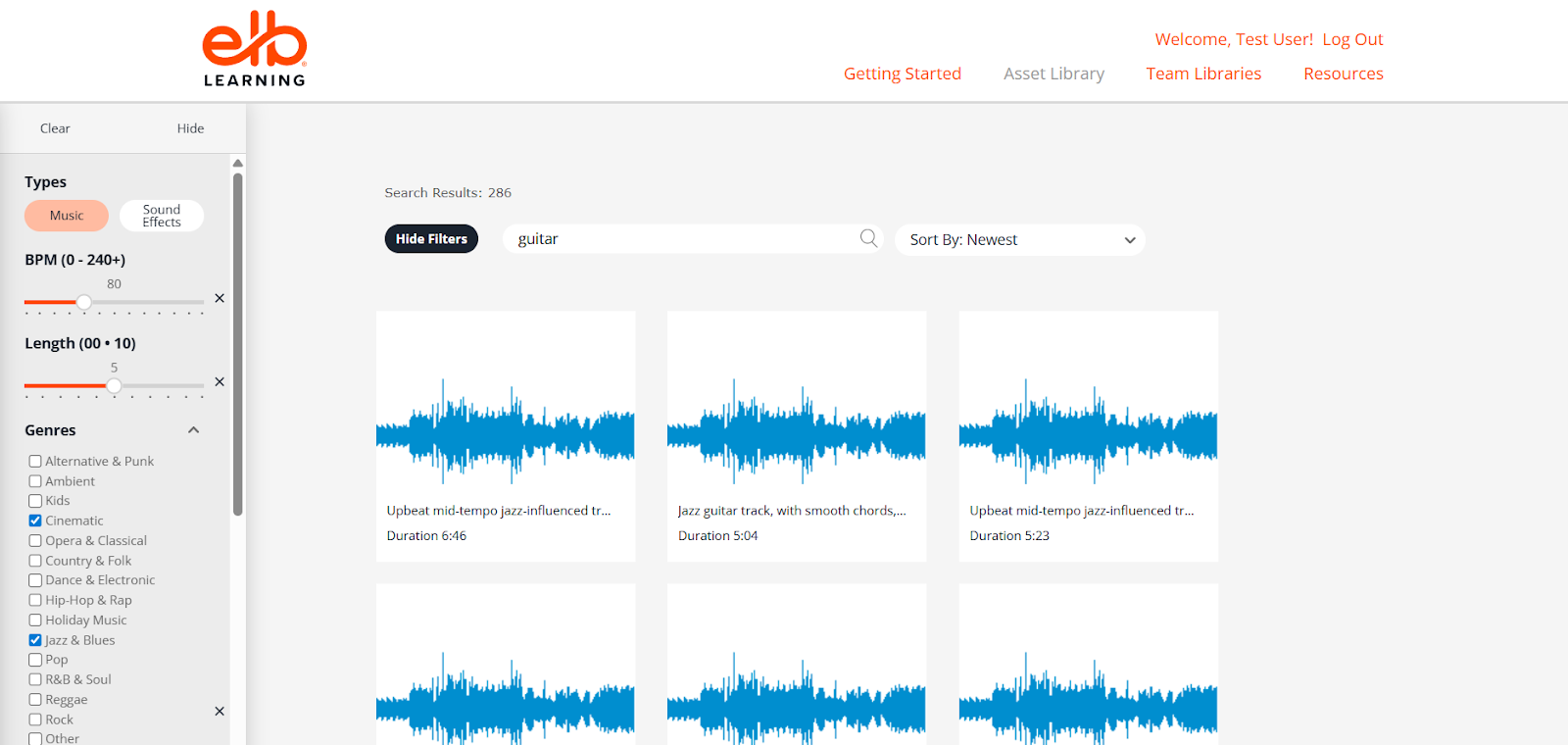
Filters help narrow down results and locate the right type of audio.
Common Filters:
- Asset Type: Audio
- Category: Music, Sound Effects, Ambient, etc.
- Duration: Short clips or long tracks
- Style/Genre: Corporate, cinematic, upbeat, calm
- Mood: Happy, dramatic, relaxing
Best Practice:
Combine filters (e.g., Music + Corporate + Short Duration) to quickly find relevant audio files.
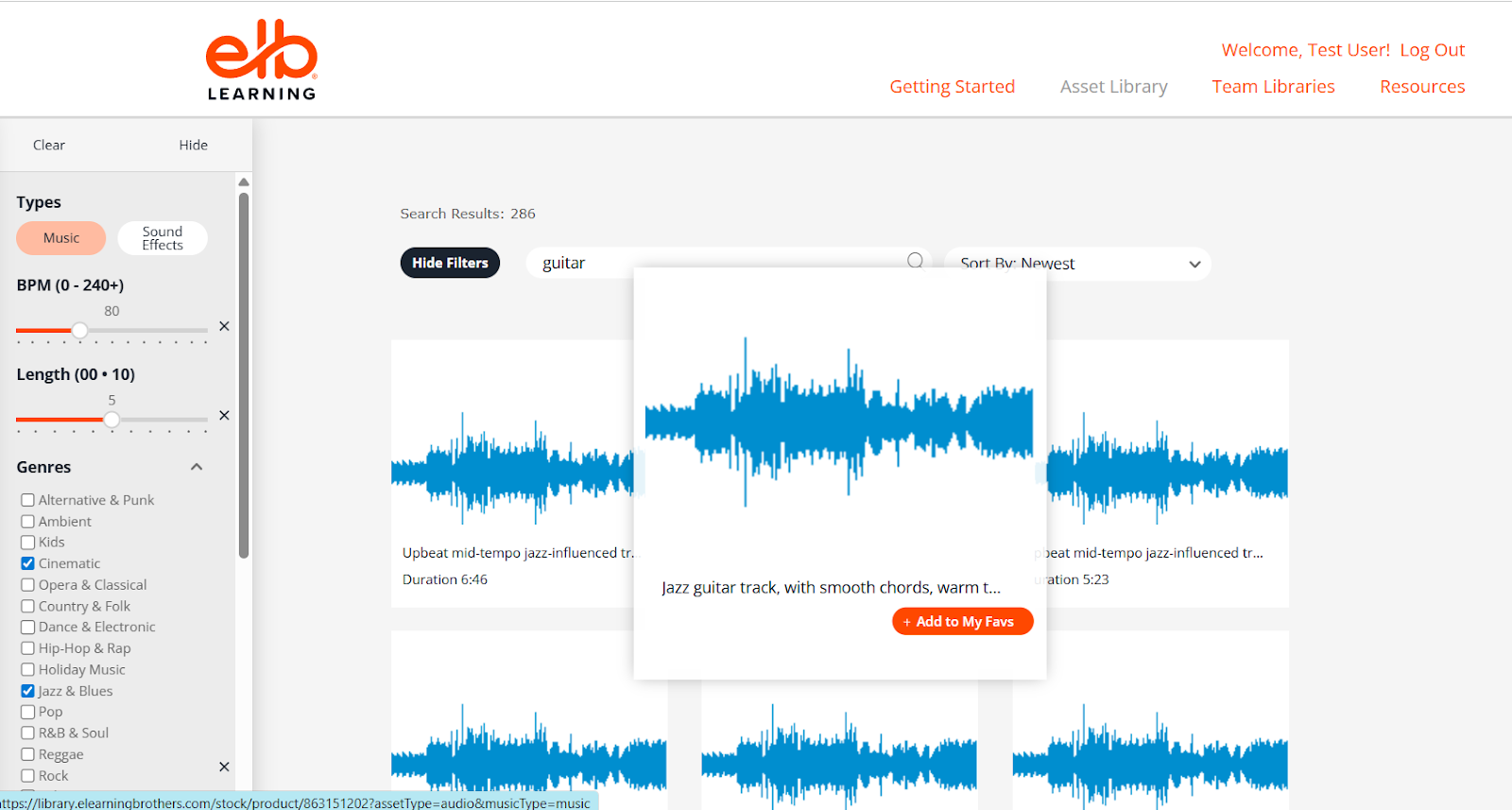
Previewing Audio Files
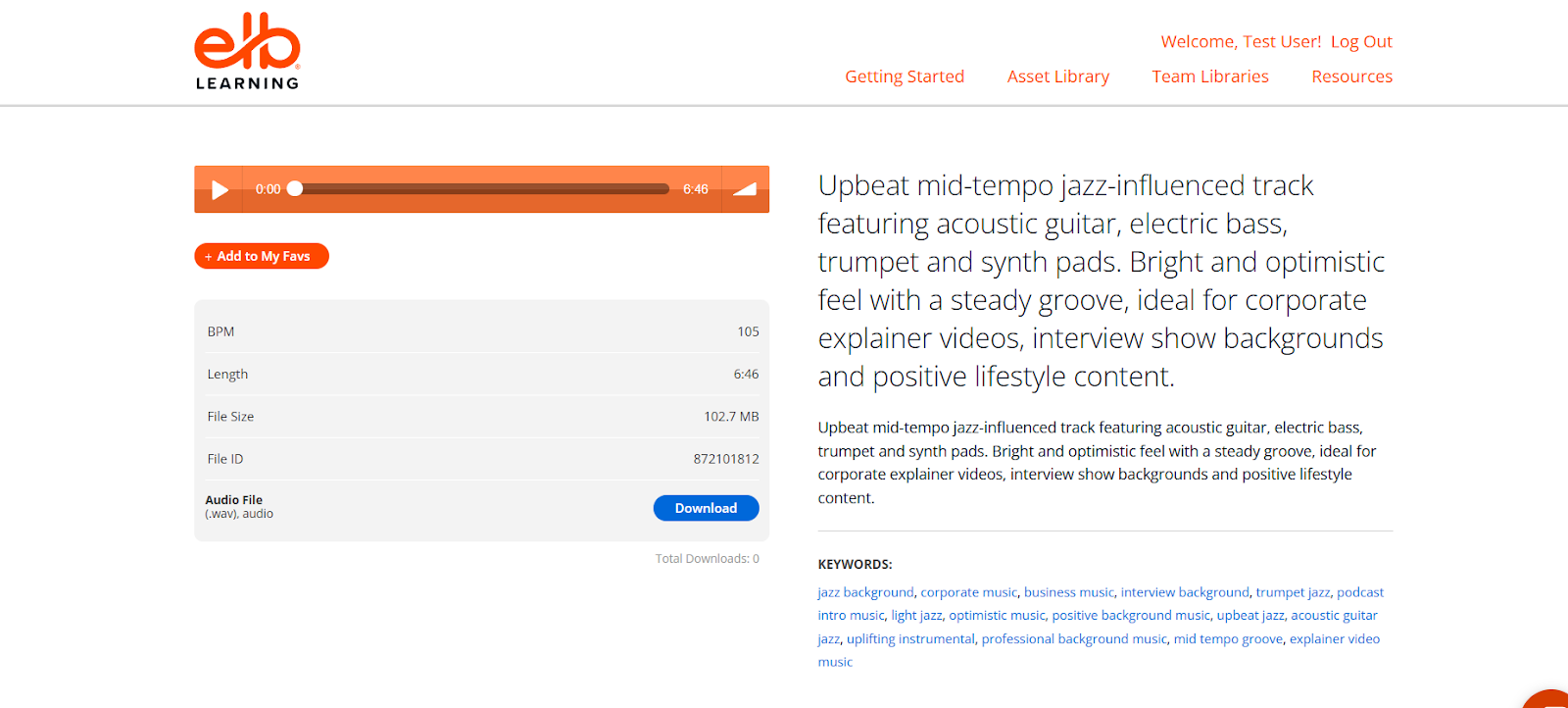
Before downloading, you can preview audio files to ensure they fit your needs.
Steps:
- Click on an audio asset.
- Play the preview.
- Review:
- Audio quality
- Duration
- Tone and mood
Previewing ensures the audio aligns with your project requirements.
Downloading Audio Assets
To download an audio file:
- Open the audio preview page.
- Click the Download button.
- Save the file to your computer.
- Import the audio into your authoring tool or project.
Ensure the format is compatible with your development tool.